
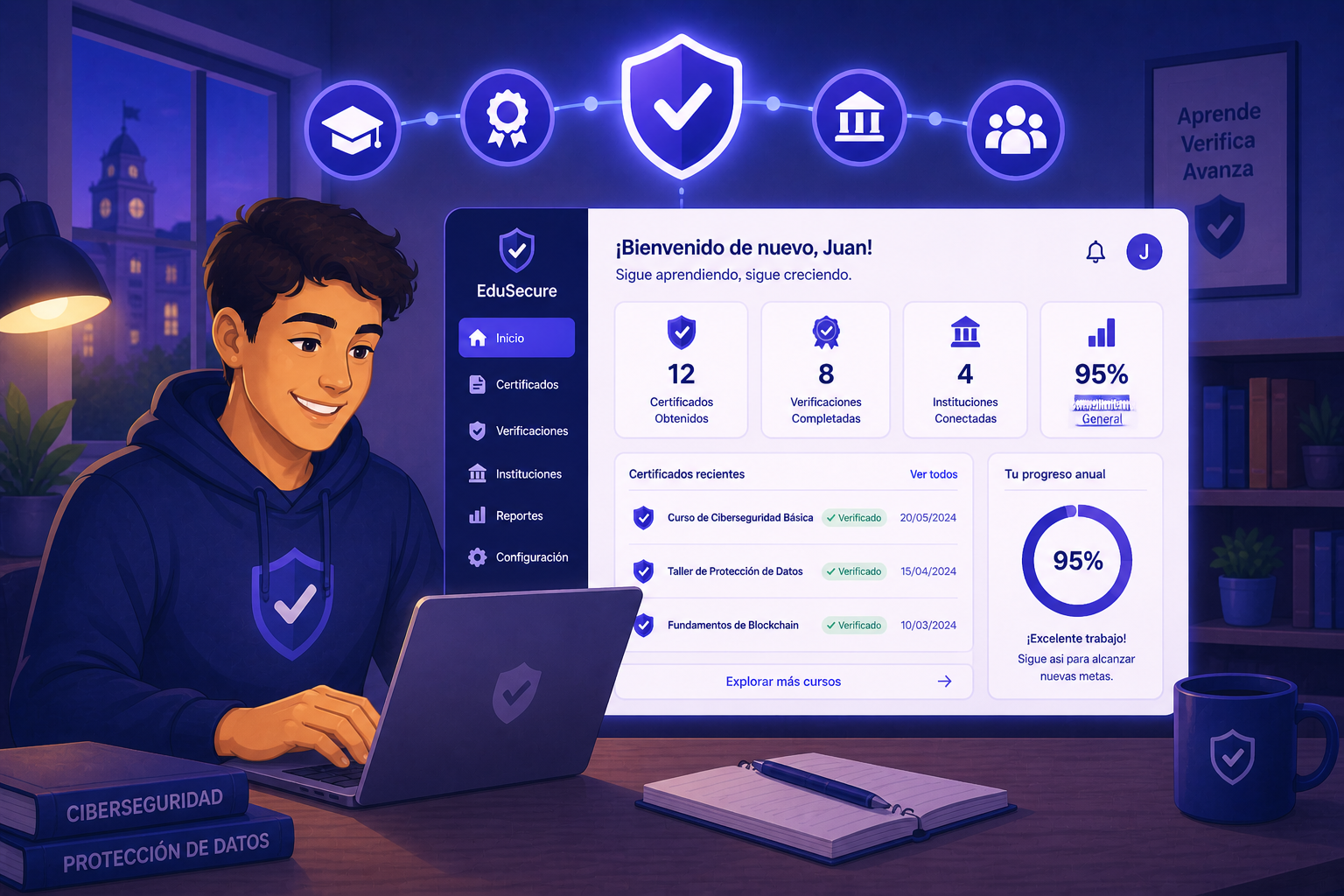
Sharing certificates on LinkedIn has become one of the most effective ways to increase the visibility of training, improve the student’s personal brand and generate organic growth for educational institutions, academies and online platforms.
When a student publishes his certificate, he not only shows a personal achievement: he is also publicly validating the training received and giving visibility to the institution that has issued it.
Why it’s important to share certificates on LinkedIn
LinkedIn is the main professional network globally. Each shared certificate becomes a sign of credibility and competence, both for the student and for the organisation that has given the training.
- Greater professional visibility: The student shows his achievements to his network of contacts.
- Employability improvement: Certifications reinforce the professional profile.
- Organic Diffusion: Each publication acts as a free promotion.
- Brand reinforcement: The institution gains recognition with each shared certificate.
How the process of sharing a certificate works
There are different ways to share a certificate on LinkedIn:
- Post it as an image or link in the feed.
- Add it to the “Licenses and Certifications” section.
- Share a verifiable link with course information.
The more information and ease of access the certificate, the greater its impact.
The problem of traditional certificates
When a certificate is shared as a simple PDF or image, much of its value is lost:
- It cannot be easily verified.
- It does not build trust in third parties.
- It does not offer context on training.
- It does not allow to differentiate between authentic and false certificates.
This limits the actual impact of the certificate for both the student and the institution.
How to maximize impact on LinkedIn
For a certificate to generate real visibility, it is important that you are ready to be shared:
- Include a verifiable link.
- Clearly show the issuing institution.
- Allow fast mobile access.
- Design credentials designed to share.
Why verifiable credentials work best
Verifiable credentials are specifically designed for digital environments like LinkedIn.
- Access via single link.
- Automatic verification by third parties.
- Greater confidence in the content.
- Best user experience.
This causes each shared certificate to have more value, both for the student and for the institution.
Impact on educational marketing
Each student who shares their certificate becomes a dissemination channel for the institution.
- The training reaches new audiences without investment in advertising.
- Implicit recommendations are generated.
- Increase the credibility of the institution.
In this sense, digital certificates are not only an academic tool, but also a growth tool.
How Credify helps
Credify allows you to issue verifiable digital credentials ready to share on LinkedIn, with link access and integrated verification.
This makes it easier for each student to share their achievement in seconds, while the institution gains visibility and strengthens its brand.
Frequently asked questions
Is it better to share a PDF or a link?
A verifiable link is more recommended, since it allows you to check the authenticity of the certificate and offers more information than a static document.
Where is a certificate added on LinkedIn?
It can be added in the “Licenses and Certifications” section of the profile or shared as a publication in the feed.
Does sharing certificates help find a job?
Yes. Showing certifications increases the credibility of the profile and makes it easier for recruiters to identify relevant skills and training.
Can these processes be automated?
Yes. There are platforms that allow to issue certificates automatically and facilitate their sharing without manual intervention.
Next step
If you want your certificates to generate real visibility, the next step is to use credentials designed to be shared.
Universities · Educational centres · Businesses · Online Courses