
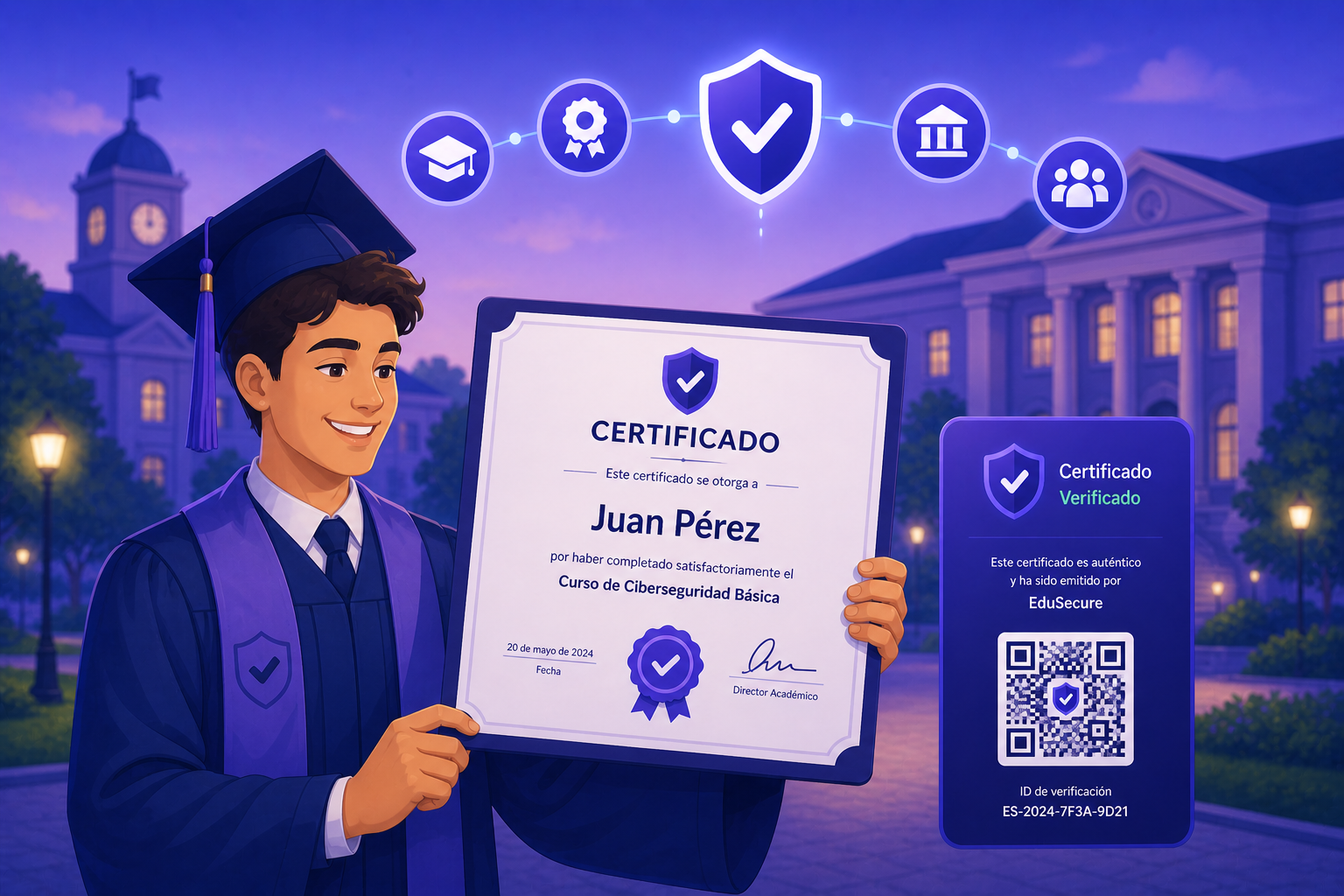
Verifying a digital certificate allows you to check if an academic, professional or training accreditation is authentic, who has issued it, to whom it belongs and if it is still valid.
In an environment where PDF diplomas can be easily copied or manipulated, digital verification is key to building trust between educational institutions, companies, students and third-parties validators.
What does it mean to verify a digital certificate
Verifying a digital certificate means verifying that the certificate information matches the data recorded by the issuing institution and has not been altered.
In the case of a verifiable credential, the verification does not depend on a phone call or email to the institution. The system allows you to check the authenticity faster, safer and traceable.
What information should be verified
A good verification page should allow you to review essential certificate data in a clear and understandable way:
- Issuing institution: Who has issued the credential?
- Owner: person to whom the certificate belongs.
- Accredited training: course, program, micro- credential or degree.
- Issue Date: When was the certificate issued?
- State: If the credential is active, expired, revoked or replaced.
- Unique identifier: reference that allows to distinguish that credential from others.
How to verify a digital certificate step by step
The verification process should be simple for both a company and for a university, an HR department, or any authorized third party.
- Access the verification link or QR: The credential must include a URL or QR code that leads to a secure page.
- Consult the main data: Review issuer, owner, training, date and status.
- Check the authenticity: Confirm that the credential comes from the indicated institution.
- Check current status: Verify that it is not revoked, expired or replaced.
- Save evidence if necessary: In selection or auditing processes, the verification carried out can be recorded.
Why is it not enough to look at a PDF
A PDF can have a professional appearance, include an institutional logo and look authentic. However, that does not guarantee that the document has not been modified.
Digital verification adds a layer of trust because it allows you to check the information against a reliable source, instead of relying solely on the visual aspect of the document.
- A PDF can be edited.
- An image can be copied.
- A verifiable link allows you to check the origin.
- A verifiable credential can show its updated status.
Who needs to verify digital certificates
Verification of certificates is not only of interest to educational institutions. It is also useful for companies, training platforms, selection departments and agencies that need to validate information quickly.
- COMPANIES: to validate training and competence of candidates.
- HR departments: To check mandatory courses or internal certifications.
- Universities: To validate own titles, micro-credentials or continuous training.
- EDUCATIONAL centres: to protect trust in your certificates.
- Online platforms: To avoid fake or manipulated certificates.
What problems solves automatic verification
Automatic verification reduces dependency on manual processes and improves administrative efficiency. Instead of answering requests one by one, the institution can offer a safe way of direct checking.
- Less emails requesting confirmation.
- Fewer calls to the secretariat or administration.
- Lower risk of human error.
- Immediate response for companies or third parties.
- Greater control over the status of each credential.
State of a credential: active, revoked or expired
One of the advantages of verifiable credentials is that they can show their updated status. This is important because a certification can be no longer valid for different reasons.
- Active: The credential is valid and can be verified correctly.
- Expired: The credential has exceeded its validity period.
- REVOKED: The institution has invalidated the credential.
- SUBSTITUTED: There is a more recent or corrected version.
This control allows the issuing institution to maintain authority over its certificates even after they have been delivered.
How Credify helps
Credify allows you to issue verifiable digital credentials with clear, accessible, and third-party verification pages. This makes it easier for companies, universities or any authorized person to verify the authenticity of a certificate without manual processes.
The platform helps to display the essential information of each credential, its status and its origin, improving trust in the certificates issued by the institution.
Frequently asked questions
How do I know if a digital certificate is authentic?
A digital certificate is more reliable when it includes a verification link or QR that allows you to check the issuer, the owner, the accredited training and the current status of the credential.
Is a signed PDF sufficient?
It can be useful, but it doesn’t always solve all the verification problems. A verifiable credential makes it easier to check information more easily and accessible to third parties.
Who can verify a credential?
It depends on the access model defined by the institution. In many cases, anyone with the link can check basic authenticity, although certain data may be limited by privacy.
What if a credential has been revoked?
If a credential has been revoked, the verification page should show that it is no longer valid. This makes it possible to avoid the misuse of certificates that have lost their validity.
Next step
If your institution wants to reduce manual checks and increase trust in its certificates, the next step is to implement digital credentials with integrated verification.
Universities · Educational centres · Businesses · Online Courses